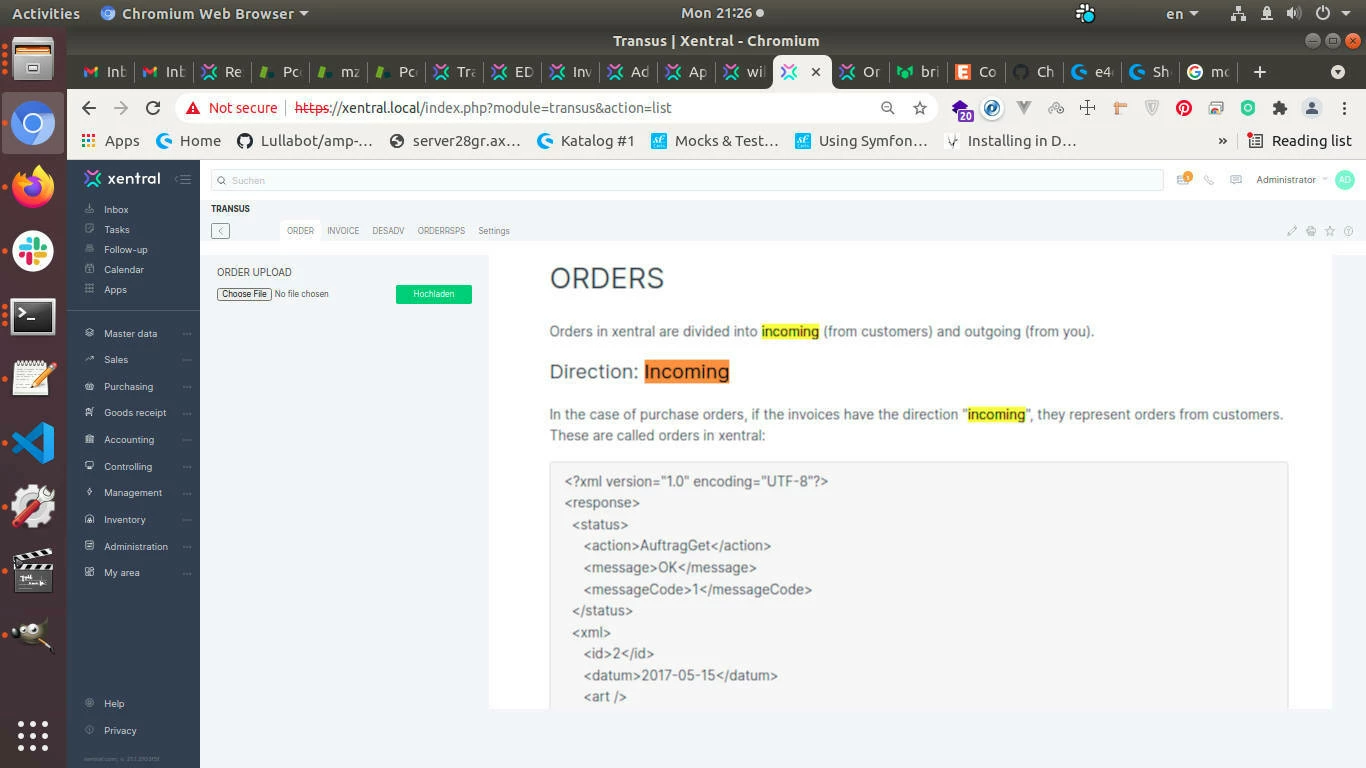
Also, I try edited the file XML relative to the existing data.For example, I changed value of project tag according the name project in the system. <projekt>test</projekt>I check the Network tab in Development Tools. This module does nothing.
After clicking the upload button, only the page will be refreshed.
Hi Morteza,
I discussed this with my team. Did you actually set up the wawision file format in Transus?
This has to be done by Transus. To check whether your xml has the right format you can also try to import it. You are required to have at minimum a GLN and EAN number. Then orders will be created in draft status. If the file is being imported you can be sure your export file has the correct format.
Does this help you?
Best regards,
Johannes
if you realy want to use this module, you have to setup your Transus account to the “old” Xentral(wawision) mapping converter by creating a ticket in the Transus backend.
Bouth mappings has the same name in the Transus GUI ‘Xentral ERP’, but they are completely different.
You can easy compare the xml files to see witch mapping do you have. Open an order xml a look on the top elements.